Your First Deposit on Celestial Crown: GCash and Maya Walkthrough
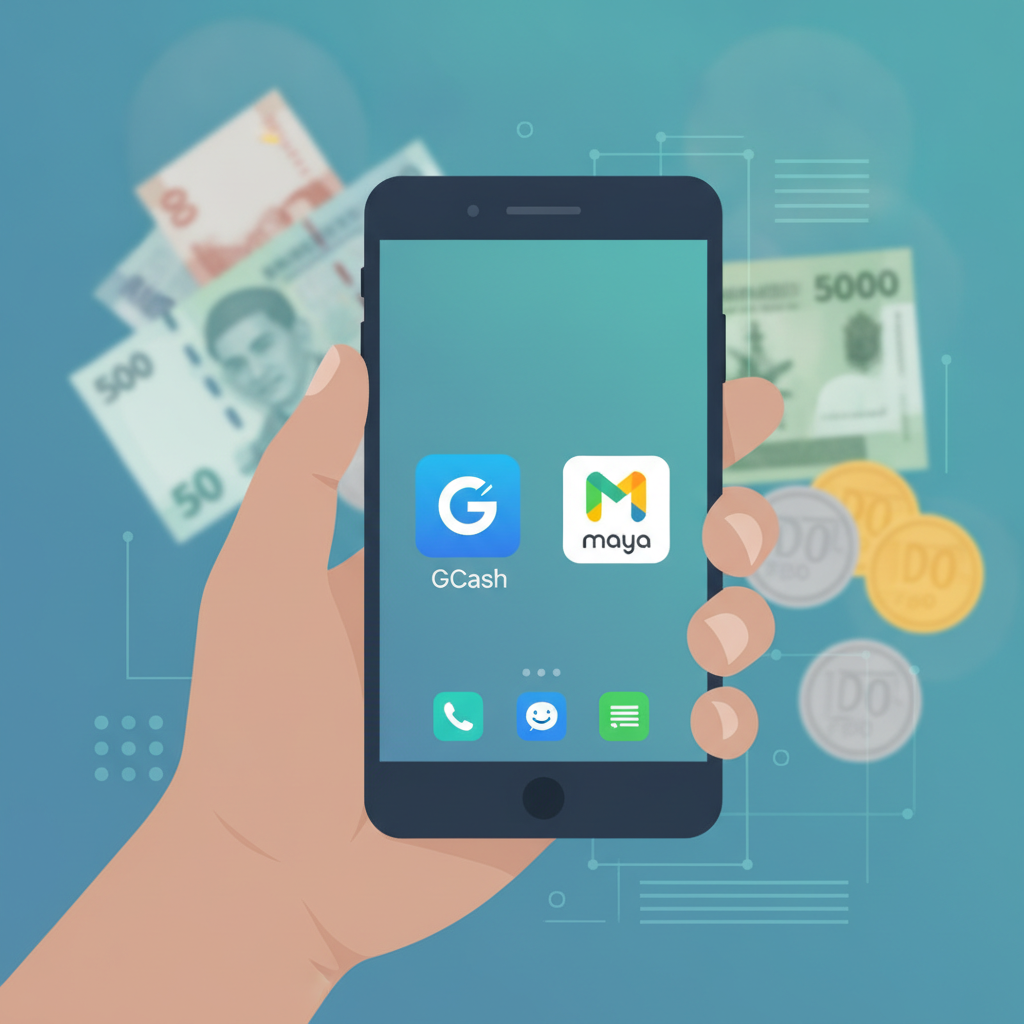
Your First Deposit on Celestial Crown: GCash and Maya Walkthrough
Once you've completed the Celestial Crown register process and verified your identity, the next step is funding your account. Celestial Crown accepts deposits through GCash and Maya—two of the most popular e-wallets in the Philippines—as well as bank transfer options like InstaPay and PESONet. This guide walks you through making your first deposit using GCash or Maya on your phone.
Minimum Deposit Amount and What First-Timers Usually Add
Celestial Crown sets a minimum deposit of PHP 100. That means you can start playing slots, trying live dealer tables, or placing a sports bet on PBA or NBA games with as little as one hundred pesos.
Most first-time players deposit between PHP 100 and PHP 500. This range lets you:
- Test a few slot games at PHP 1–5 per spin
- Place several basketball bets at PHP 20–50 each
- Try a hand or two at live baccarat or blackjack, where table minimums typically start at PHP 50–100
You're not locked into a large commitment. Start with PHP 100 if you want to explore the platform, or load PHP 500 if you already know which games or sports markets you want to try.
Step-by-Step: Depositing via GCash on Your Phone
GCash is widely used across Metro Manila and the provinces, making it the go-to choice for many Filipino players. Here's how to deposit into your Celestial Crown account using GCash.
1. Log in to Celestial Crown
Open the Celestial Crown site on your mobile browser. Tap the login button and enter your registered phone number or email and password. Once you're in, you'll see your account dashboard.
2. Navigate to the Deposit Section
Look for a button labeled Deposit, Add Funds, or a wallet icon—usually at the top right of the screen or in the main menu. Tap it to open the deposit page.
3. Select GCash as Your Payment Method
You'll see a list of deposit options: GCash, Maya, InstaPay, and PESONet. Tap GCash.
4. Enter Your Deposit Amount
Type in the amount you want to deposit—at least PHP 100. The platform will show you the exact peso amount that will be deducted from your GCash wallet. Double-check the number before proceeding.
5. Confirm and Authorize the Transaction
Tap Continue or Deposit. Celestial Crown will redirect you to the GCash payment page or prompt you to open the GCash app.
- If you're redirected to a web page, log in to your GCash account and authorize the payment using your MPIN.
- If the GCash app opens automatically, review the transaction details and tap Confirm. You may need to enter your MPIN or authenticate with your fingerprint or face unlock.
6. Return to Celestial Crown
Once the payment is authorized, GCash will send you a confirmation message. Your browser or app will redirect you back to Celestial Crown. You should see a success message on the deposit page.
7. Check Your Balance
Go to your account wallet or balance display on the main dashboard. Your new balance should reflect the deposit within seconds to a few minutes.
Step-by-Step: Depositing via Maya
Maya (formerly PayMaya) is another popular e-wallet in the Philippines and works almost identically to GCash on Celestial Crown. Follow these steps to deposit using Maya.
1. Log in to Your Celestial Crown Account
Open the Celestial Crown site on your phone, tap the Celestial Crown login button, and enter your credentials.
2. Go to the Deposit Page
Find and tap the Deposit or Add Funds button in your account dashboard.
3. Choose Maya as Your Payment Method
On the deposit page, select Maya from the list of available payment channels.
4. Enter the Deposit Amount
Input the amount you wish to deposit—minimum PHP 100. Review the total that will be charged to your Maya wallet.
5. Confirm and Complete the Payment
Tap Proceed or Deposit. You'll be redirected to the Maya login page or prompted to open the Maya app.
- If redirected to the web, log in using your Maya email or mobile number and password, then confirm the transaction.
- If the Maya app launches, check the payment details, then authorize the transaction with your PIN, fingerprint, or face recognition.
6. Return to Celestial Crown
After completing the payment in Maya, you'll receive a confirmation notification. Your browser will redirect you back to Celestial Crown, where you should see a deposit success message.
7. Verify Your New Balance
Check your Celestial Crown wallet balance. The deposited amount should appear in your account shortly.
How Long Deposits Take to Appear in Your Celestial Crown Balance
Both GCash and Maya deposits on Celestial Crown are processed almost instantly. In most cases, your balance will update within 30 seconds to two minutes after you authorize the payment.
Occasionally, network congestion or maintenance windows on GCash or Maya can delay the credit by a few minutes. If your deposit hasn't appeared after five minutes:
- Check your GCash or Maya transaction history to confirm the payment went through.
- Refresh the Celestial Crown page or log out and log back in.
- Take a screenshot of your e-wallet transaction receipt (showing date, time, amount, and reference number).
If the delay continues beyond 15 minutes, you can reach out to Celestial Crown's customer support with your transaction reference number. Keep your e-wallet receipt handy—it will speed up any follow-up.
Bank transfers via InstaPay and PESONet take longer. InstaPay deposits typically credit within a few hours, while PESONet can take one to two business days. For your first deposit, GCash or Maya is the faster and simpler choice.
Tips for a Smooth First Deposit
- Check your e-wallet balance first. Make sure you have enough funds in GCash or Maya before you start the deposit process.
- Use the registered name. Some platforms verify that the name on your e-wallet matches your Celestial Crown account. Use the same full name you provided during registration.
- Save your transaction receipt. Screenshot the confirmation from GCash or Maya. It's useful if you need to contact support.
- Start small. If you're new, deposit PHP 100 or PHP 200 first to get comfortable with the process before adding more.
What Happens After Your Deposit Clears
Once your deposit shows in your Celestial Crown balance, you can:
- Browse the slots lobby and pick a game. Minimum bets are often PHP 1–5 per spin.
- Join a live dealer table for baccarat, blackjack, or roulette—minimums usually start at PHP 50–100.
- Head to the sportsbook and place a bet on PBA, NBA, or volleyball. Minimum bet amounts vary by market, often starting around PHP 20.
- Try bingo if the platform offers it.
Your deposited pesos stay in your Celestial Crown wallet until you wager them or request a withdrawal. There's no expiry on your balance, so take your time exploring the games and betting markets.
21+ and Responsible Gambling Reminder
Celestial Crown is available only to players aged 21 and over. Online casino games and sports betting should be a form of entertainment, not a way to make money. Set a deposit limit you're comfortable with, and never chase losses. If you feel your gambling is becoming a problem, take a break and seek support. Play responsibly and within your means.
About This Guide: This is an independent guide to Celestial Crown and is not operated by or affiliated with the platform. Information is provided for educational purposes to help Filipino players understand how to make their first deposit using GCash and Maya.